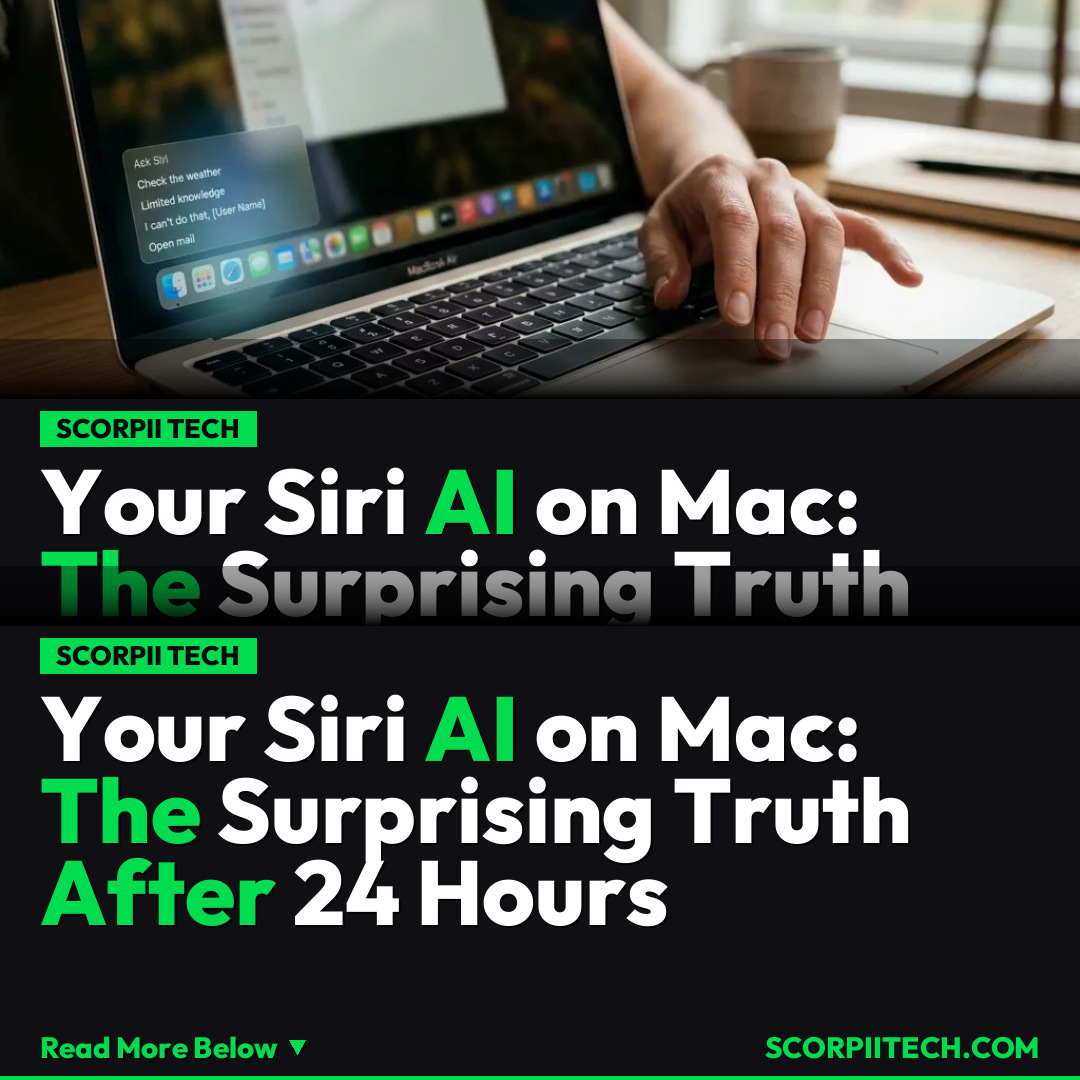
Your Siri AI on Mac: The Surprising Truth After 24 Hours
After a first look at Siri AI on Mac, you'll discover its improved capabilities but also its clear limitations, especially compared to the iPhone. Manage your expectations for macOS 27.
Editorial Note
Reviewed and analysis by AF1 Editorial Team.
In this article
You've likely heard the buzz surrounding Siri AI and Apple Intelligence, especially how it promises to transform your interaction with Apple devices. The idea of a smarter, more capable Siri on your Mac sounds like a productivity game-changer, doesn't it? But after spending 24 hours with the macOS 27 developer beta, a clear picture emerges: while Siri has certainly taken "baby's first real AI steps for Apple," its limitations on your Mac are far more noticeable than on your iPhone. This isn't the seamless, intuitive AI companion you might be dreaming of just yet.
Key Details
Diving into the macOS 27 developer beta on both an M5 MacBook Air and an M5 Max MacBook Pro reveals a Siri that is undeniably better. The improvements are tangible, making daily tasks smoother, yet this enhanced capability also throws Siri's shortcomings into sharper relief. On your iPhone, with the iOS 27 dev beta, you might find Siri’s new tricks impressive within its mobile-centric scope. However, when you bring that same AI logic to the more complex, multi-tasking environment of your Mac, the cracks start to show.
What exactly are these limitations? You'll quickly discover that tasks you might naturally expect a desktop-bound AI to handle often fall flat. For instance, Siri on Mac struggles with deep integration into third-party pro apps like Lightroom Classic, or complex data manipulation in Google Sheets. While it can fetch basic information or set timers, pushing the boundaries into analytical or creative workflows reveals its current immaturity. Benchmarking tools like Geekbench and Cinebench highlight the raw power of your M5 chips, but Siri's current AI doesn't fully leverage that horsepower for nuanced, cross-application tasks.
Compare this to how you might use Google's AI offerings, where integration across services like Google Photos feels more mature. Siri on Mac, while improved, doesn't yet offer that level of deep, contextual understanding across your entire digital life, even within Apple's own ecosystem like iCloud, let alone third-party communications apps like Signal. This disparity in capability between your Mac and iPhone experiences with Siri AI is the core controversy, leaving you wondering if your Mac is truly getting the AI upgrade it deserves.
Why This Matters
Why should you care about these distinctions between Siri AI on your iPhone versus your Mac? Because your Mac is typically where you tackle your most demanding and productivity-critical tasks. You expect a desktop operating system to offer a greater degree of control, flexibility, and power. When an AI feature, touted as Apple Intelligence, feels less capable on your primary workstation than on your mobile device, it can be a source of genuine frustration. This isn't just about Siri struggling with a single command; it impacts your overall workflow efficiency and your expectations for future macOS innovations.
The clear limitations suggest that while Apple is making strides, the integration of advanced AI into a robust desktop environment is a significant challenge. For you, this means managing your expectations. While Siri can handle basic queries and improve some aspects of your digital life, it’s not yet the intelligent assistant that seamlessly understands your complex projects, anticipates your needs across multiple apps, or deeply integrates with the professional tools you rely on daily. It’s an evolution, yes, but one that still has considerable ground to cover to truly transform your Mac experience.
The Bottom Line
So, what's your takeaway from the early look at Siri AI on Mac? While you should welcome the improvements – after all, "it's baby's first real AI steps for Apple" – it's crucial to approach this update with realistic expectations. Don't anticipate a complete overhaul of your professional workflow or an AI capable of understanding the intricate demands of applications like Lightroom Classic or complex Google Sheets queries. Instead, enjoy the incremental enhancements on your macOS 27 developer beta, particularly on your M5 MacBook Air or M5 Max MacBook Pro, but recognize that the journey to a truly intelligent, desktop-grade Siri is still very much in progress. For now, you might still find yourself reaching for Google more often than Siri for complex queries, especially on your Mac.
Originally reported by
The vergeWhat did you think?



Stay Updated
Get the latest tech news delivered to your reader.